
Photo ID / 3 min read
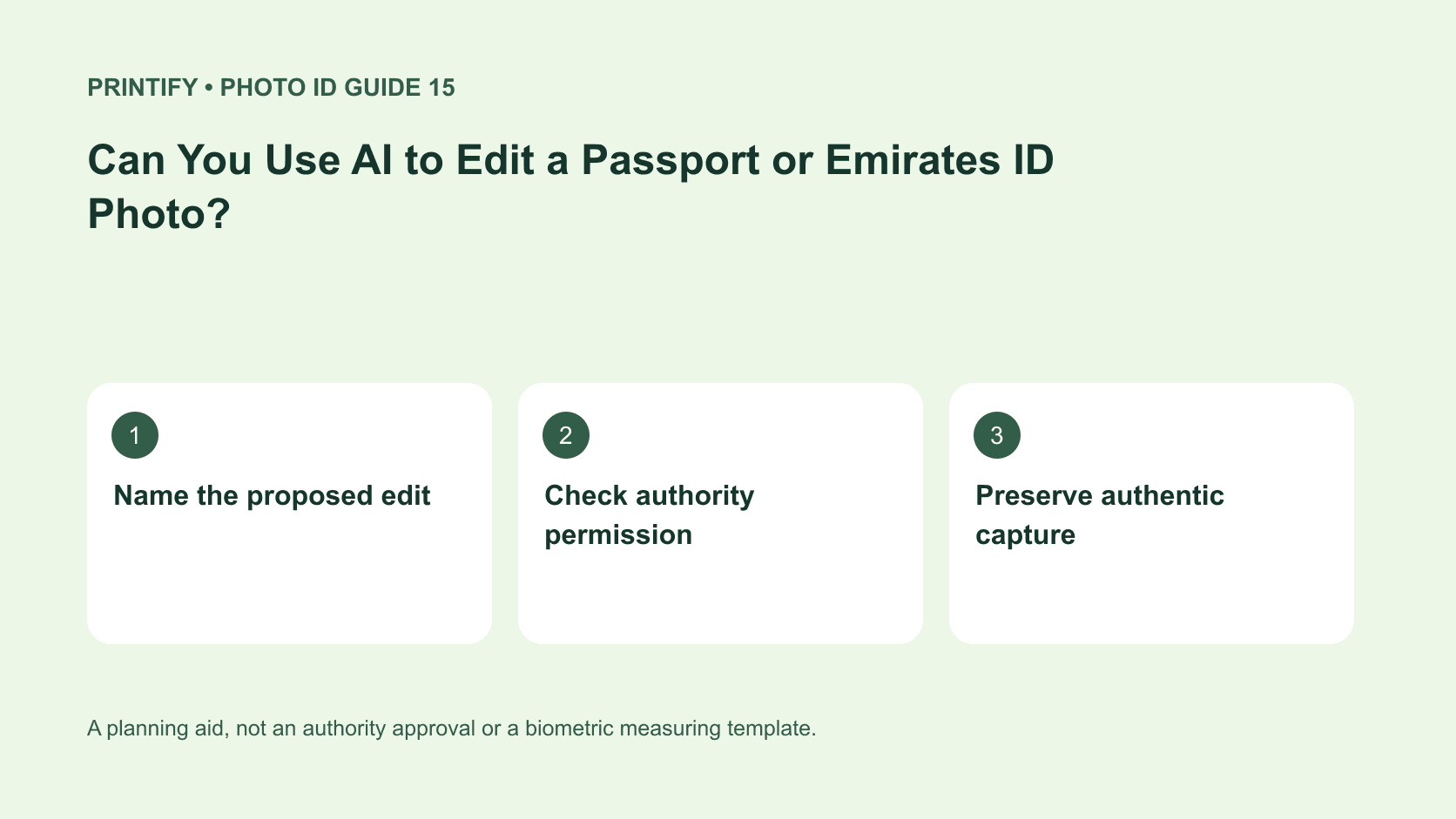
Can You Use AI to Edit a Passport or Emirates ID Photo?
Distinguish file preparation from identity-changing edits and understand why background replacement is not universally permitted.
Published / Updated
By Printify editorial. Editorial source check: 22 October 2026. Educational guidance, not authority approval. Operational review: Editorial source check.
Short answer
An AI tool’s ability to produce a convincing portrait does not establish permission to submit it. Check the authority’s editing policy before background replacement, enhancement or retouching, and never treat a generated likeness as an authentic photograph.
Classify the proposed change
Write down what the tool will do before uploading: convert a file, resize a permitted crop, remove a background, smooth skin, alter clothing or generate facial detail. These are materially different operations even when one app calls them all “optimisation.”
Keep the untouched original so the changes remain inspectable. A beautiful preview can hide moved hair edges, softened facial marks or invented texture. For identity documents, preserving the person’s real appearance matters more than producing a studio-style image.
Use the applicant instructions, not the vendor slogan
Some authorities publish strict instructions against digital alteration. UK public guidance and Canadian passport guidance are important examples to read for those routes. A vendor’s “passport-ready” label is not authority permission and does not override the application instructions.
Do not infer a general allowance because another country accepts a particular preparation step. Likewise, internal caseworker discretion should not be turned into a public invitation to edit an applicant’s photograph. Use the instructions addressed to the person applying.
Read the companion guide for this preparation step.
Choose a retake when the scene is unsuitable
If a wall is patterned, shadows cover the face or the image is blurred, our preferred practical solution is to improve capture conditions. Background replacement can leave halos around hair and head coverings, while sharpening or generative enhancement may invent detail.
A simple retake with suitable light can resolve several issues at once without creating an editing-policy question. For babies and people needing support, adapt the session safely rather than using software to erase another person from the finished image.
Evaluate privacy and the final deliverable
Before using an online tool, review who receives the original, how long it is retained and whether it may be reused for model training. Avoid sending identity documents when a portrait alone would serve the task.
If permitted file preparation is used, inspect the exported file rather than just the app preview. Save the original and record the operation performed. Check the actual services currently offered before relying on an automatic preparation option.
Before you proceed
- - Identify the exact transformation, not its marketing label.
- - Read the issuing authority’s applicant editing policy.
- - Prefer a suitable retake to generative repairs.
- - Review retention and reuse terms before uploading a portrait.
Frequently asked questions
Is background removal always allowed?
No. Permission is route-specific; technical feasibility does not establish admissibility.
Can AI make my face sharper?
It may invent detail. A better original is preferable to a generated reconstruction for an identity photograph.
Does an app’s approval badge prove government acceptance?
No. It reports the app’s own assessment, not the authority’s decision.
Next step
Review available services, deliverables and booking conditions before continuing.
Explore Printify Photo ID