
Photo ID / 3 min read
Baby Passport Photos: Eyes Open, Parent Hands and Age Exceptions
Understand why infant photo exceptions vary and plan a safe capture without relying on digital removal of hands or objects.
Published / Updated
By Printify editorial. Editorial source check: 22 October 2026. Educational guidance, not authority approval. Operational review: Editorial source check.
Short answer
There is no single worldwide infant exception. Check the issuing authority’s exact age rules, keep the baby safe and make sure any permitted support does not create a prohibited feature in the submitted photograph.
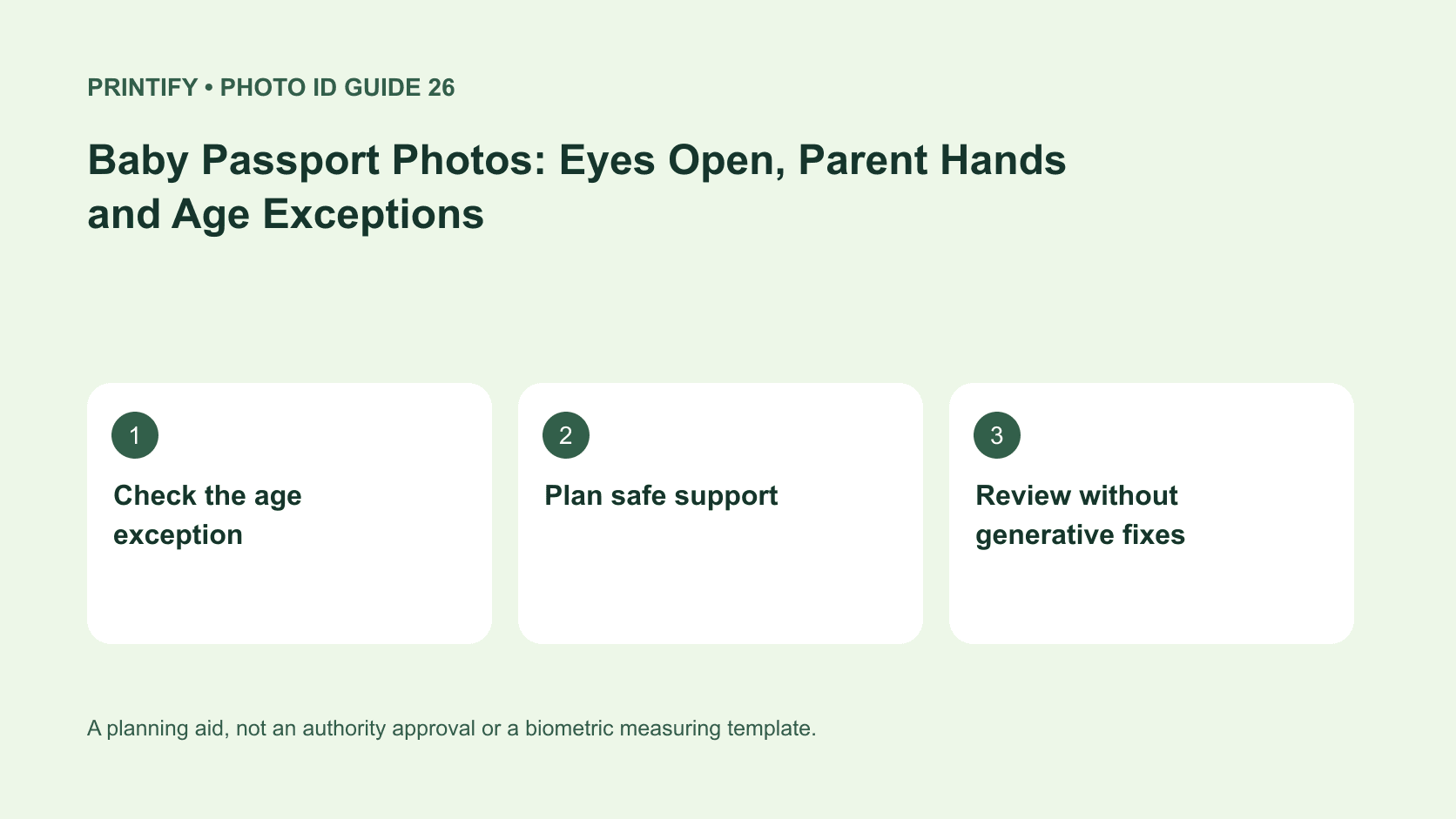
Check the age threshold for the actual document
Read the infant or child section of the issuing authority’s photograph guidance. A newborn exception should not be extended automatically to an older child or transferred to a different country’s application.
For a concrete example, UK passport guidance distinguishes children under six from infants under one; the latter do not have to have their eyes open. That UK allowance is not evidence that every visa or passport permits a sleeping newborn photograph.
Plan support before pressing the shutter
If support is needed, decide how a caregiver can keep the infant safe while staying out of the final frame. A suitable lying-down setup may help where compatible with the document instructions, but the baby’s safety and comfort take priority.
Do not balance the baby on an unstable surface, leave them unattended or remove necessary support to obtain a more conventional portrait. A short session with pauses is preferable to forcing the shot when the baby is distressed.
Read the companion guide for this preparation step.
Avoid fixing helpers and objects afterwards
Review images while the setup is available. A finger near the face, a patterned blanket or a visible toy can be identified early and corrected with another safe capture. Do not assume that erasing an object with software is permitted.
If the authority requires a particular appearance that the baby cannot reliably provide during the session, consult its guidance and support channel. Do not generate open eyes, change the mouth or construct a composite face from several captures.
Keep country selections separate for siblings
In a family session, write down the document and age for each child. The photographer should not apply one infant setting to everyone. After capture, match the chosen file to the correct child and application.
Keep the original safely and retain any required photographer details with the physical output. A technical photo check may still flag an image that needs an exception explanation; follow the route’s process rather than secretly altering the photograph to bypass the warning.
Before you proceed
- - Check the exact infant age rule and document.
- - Plan safe support with a caregiver present.
- - Keep hands and objects outside the submitted frame.
- - Do not generate eyes or erase helpers to bypass a check.
Frequently asked questions
Can a sleeping newborn photo be used?
Sometimes an authority permits it at a specified age. Check the actual document’s infant rule.
Can I support the baby’s head?
Prioritise safety and follow the authority’s instructions about support being outside the photograph.
Can siblings use the same exception?
Not automatically. Their ages, documents or submission routes may differ.
Next step
Review available services, deliverables and booking conditions before continuing.
Explore Printify Photo ID