
Photo ID / 3 min read
How to Change an Emirates ID Photo: Renewal Versus Record Updates
Understand the difference between preparing a new photograph and changing the photograph held in an official Emirates ID record.
Published / Updated
By Printify editorial. Editorial source check: 22 October 2026. Educational guidance, not authority approval. Operational review: Editorial source check.
Short answer
Preparing another photograph does not itself change your Emirates ID record. Identify whether you are renewing the card, correcting an application or requesting an official update, then use the corresponding ICP process.
Identify what you actually need to change
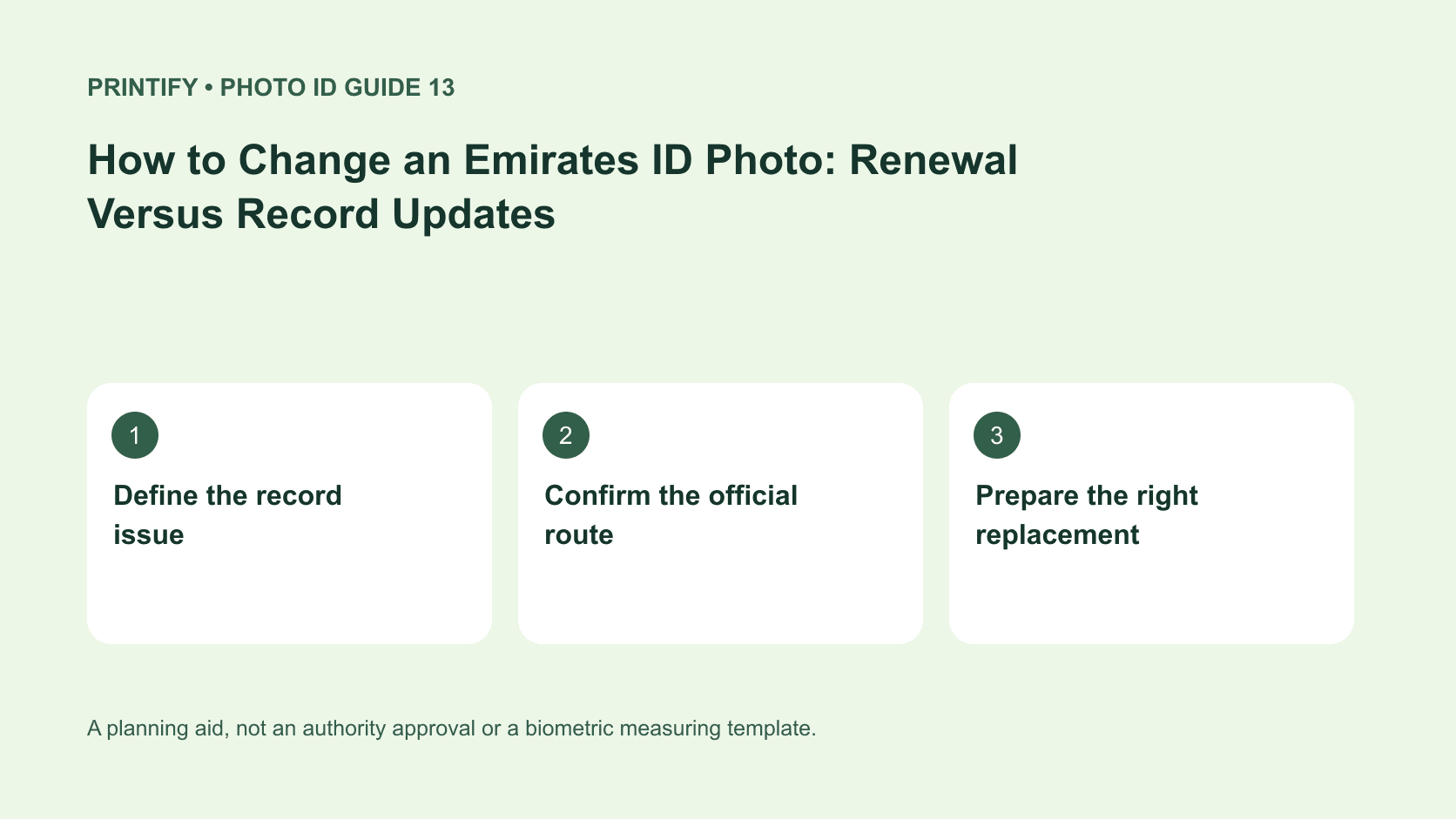
Start by describing the problem: an unsuitable attachment in an unfinished application, a photograph on an issued card, or an image required for renewal. These are different situations. Do not assume an editing app or a studio can update the official record.
Keep the application reference private and ask ICP which service applies to your status. The linked Data Update service describes phone, email and address changes; it should not be presented as a photo-replacement service.
Keep renewal and correction separate
For renewal, use the renewal service’s photograph conditions and current checklist. For an issued-card correction or a standalone change request, obtain the authority’s instructions about eligibility, documents, attendance and whether another card is issued.
Our practical recommendation is to record the service name and the authority’s response before paying a third party. A claim that someone can simply replace a photograph should be checked against the official process, especially if no renewal is taking place.
Read the companion guide for this preparation step.
Prepare a fresh file without promising an outcome
Once the correct process is known, arrange the required capture and deliverable. Keep an untouched original and verify the actual submitted copy. A recent photo is not a guarantee that the authority will approve a requested record change.
If the request follows a rejection, retain the rejection reason so the replacement addresses it. Do not invent an administrative correction when the real problem is only an unsupported attachment format, and do not treat a successful file upload as confirmation that a new card is on its way.
Confirm charges and follow the request privately
Ask the official channel about the fees, processing steps and any attendance requirement for your case. This guide does not quote one universal photo-change price or a guaranteed turnaround because the applicable transaction must first be established.
Store the submission acknowledgement and check status through the authorised route. Avoid sending your card image, account access or one-time codes to a photographer merely to obtain a new portrait. Capture and government account access should remain separate.
Before you proceed
- - Distinguish attachment replacement, renewal and issued-card change.
- - Confirm the applicable service with ICP.
- - Obtain the actual checklist and charges for your case.
- - Keep government account access separate from photography.
Frequently asked questions
Can Printify replace the photo in my government record?
A photography service can supply a file, not independently alter the official record.
Is there one fixed photo-change fee?
Confirm the charge for the actual transaction with the authority; do not rely on a generic online price.
Do I need to renew solely to change the photo?
Ask ICP which service applies to your situation rather than assuming a renewal is required or sufficient.
Next step
Review available services, deliverables and booking conditions before continuing.
Explore Printify Photo ID