
Photo ID / 3 min read
Can You Use the Same Photo for Emirates ID, a Visa and a Passport?
Learn when one photo session can serve several applications and when separate images or capture arrangements are needed.
Published / Updated
By Printify editorial. Editorial source check: 22 October 2026. Educational guidance, not authority approval. Operational review: Editorial source check.
Short answer
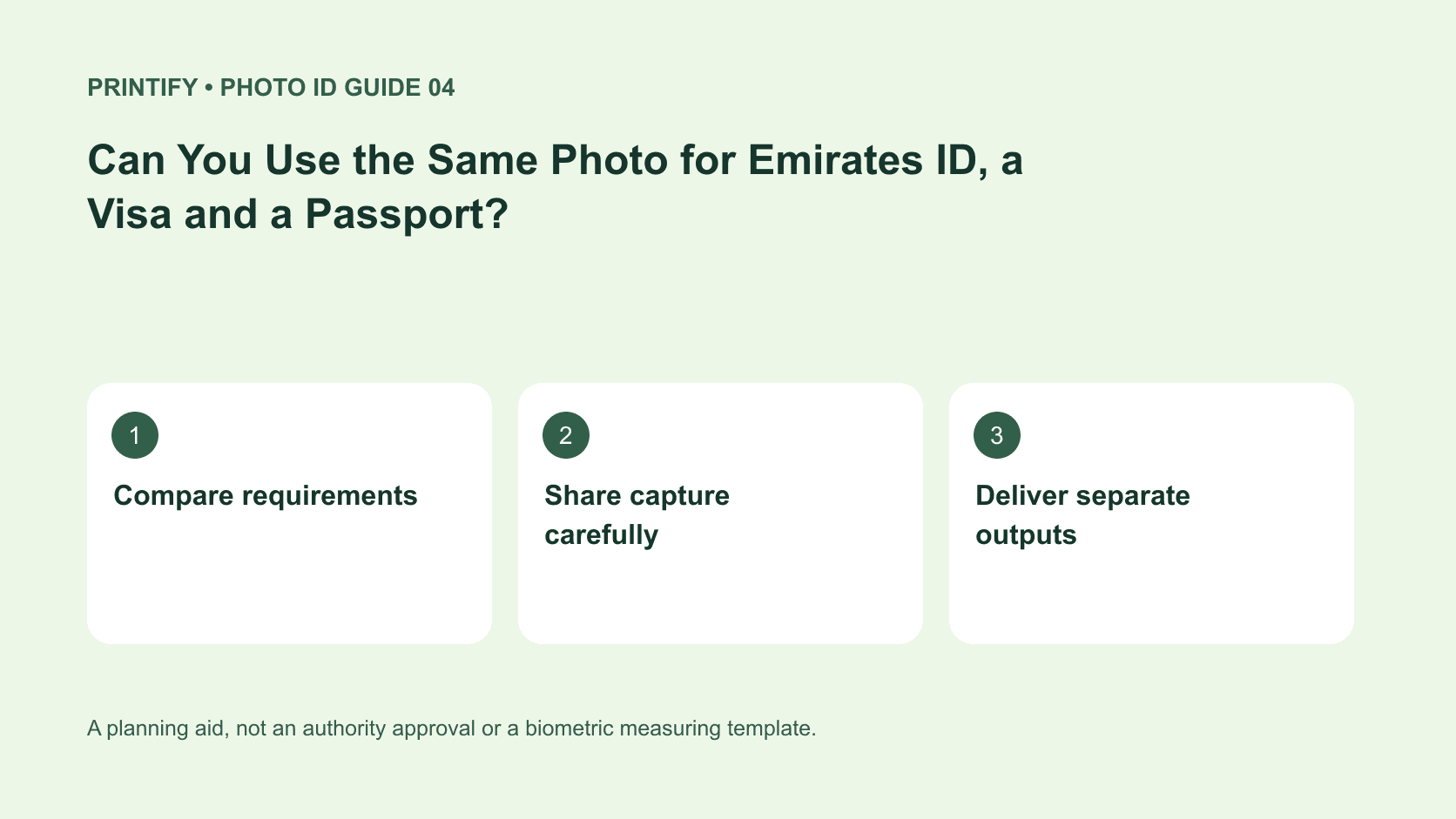
One session may produce several suitable photographs, but one finished file is not automatically suitable for several documents. Compare each route’s recency, capture, framing, editing and delivery requirements before reusing anything.
Build a small requirement matrix
Use one row per application, not one row per family. Record the issuing authority, submission route, required format, capture conditions, age of photograph and any special certification. Leave unknown cells unresolved instead of copying requirements from another document.
This matrix prevents a common mistake: treating a different crop as the only difference. A route may impose photographer information, unaltered-image rules or a different submission process that cannot be added by resizing a generic selfie.
Check recency and provenance independently
Do not assume that an image accepted for a recent visa is automatically eligible for another document. The authority can apply its own age limit or require a different photograph from one already held. ICP’s renewal conditions are relevant when considering reuse for Emirates ID.
Professional-capture and certification requirements also matter. If the destination requires a commercial photographer, an otherwise attractive home photograph does not become compliant because a shop prints it on photographic paper.
Create a controlled handover
Deliver files in named folders for the person and application, with a short note explaining what each file is intended for. Keep printed packs separated as well, especially when dimensions look similar.
Before submission, compare the selected attachment to the matching row in the matrix. If you cannot confirm a requirement, pause that export and consult the authority guidance. A second preparation step is cheaper than discovering at an appointment that the wrong pack was supplied.
Before you proceed
- - Create one specification row per application.
- - Check capture rules before booking a shared session.
- - Export separately from the untouched original.
- - Label each digital file and printed pack by purpose.
Frequently asked questions
Does acceptance by one authority prove acceptance by another?
No. Each authority and application route applies its own criteria.
Can one family appointment still be efficient?
Yes. Share the session where suitable, but keep specifications and deliverables separate.
Should I crop every original before saving it?
No. Preserve the untouched capture so later exports are not limited by an earlier crop.
Next step
Review available services, deliverables and booking conditions before continuing.
Explore Printify Photo ID