
Photo ID / 3 min read
Sharing ID Photos: iPhone HEIC, JPEG and WhatsApp Without File Confusion
Keep the original portrait, convert formats properly and verify the file that reaches your photographer or application.
Published / Updated
By Printify editorial. Editorial source check: 22 October 2026. Educational guidance, not authority approval. Operational review: Editorial source check.
Short answer
Share the actual photo file and verify what the recipient receives. An iPhone image, an exported JPEG and a messaging preview can be different files; changing the filename extension is not format conversion.
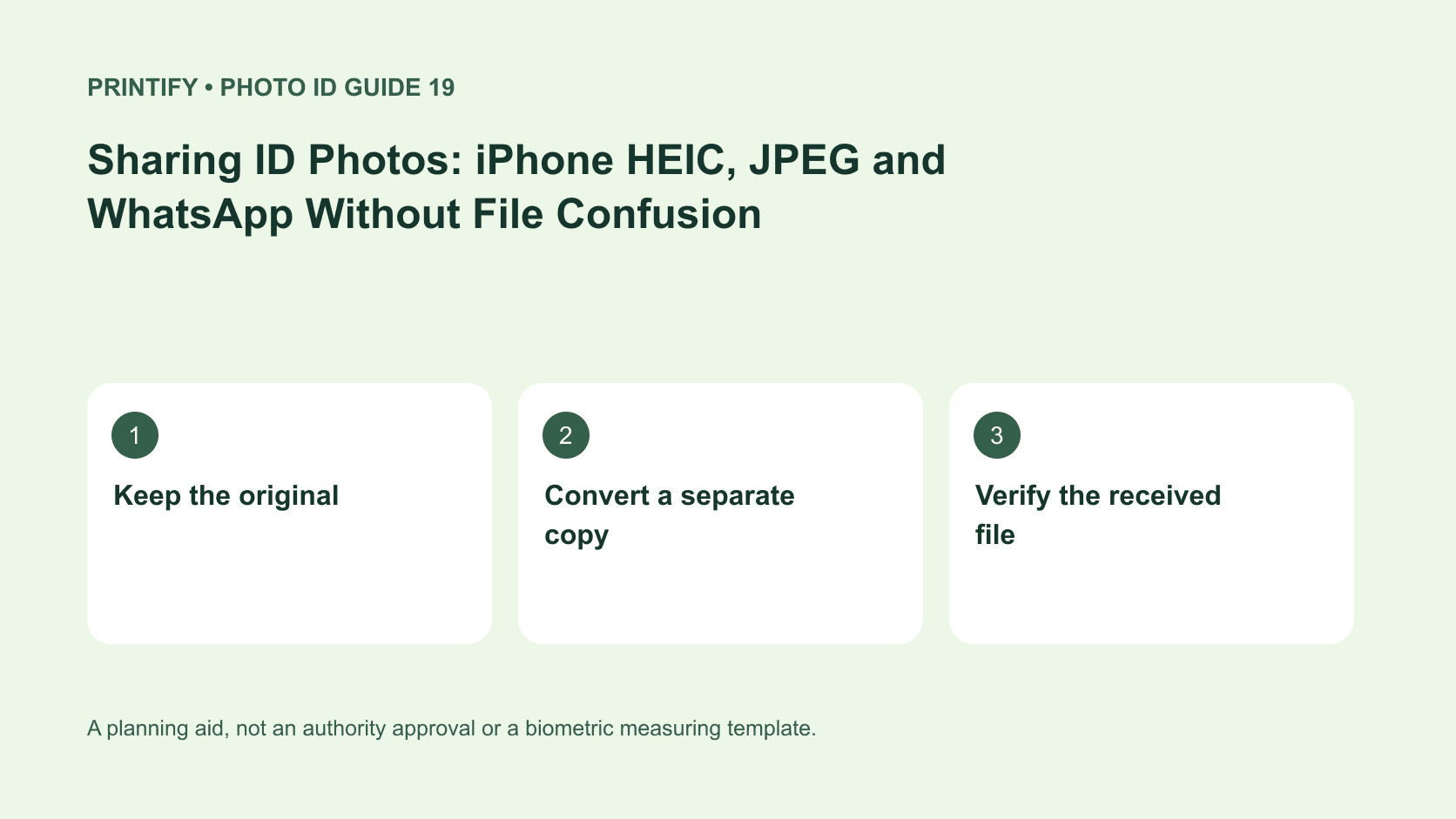
Find and protect the original capture
Start from the camera original, not an image downloaded from a previous chat or a screenshot of a gallery. Keep an untouched copy before conversion or resizing. This gives you a reliable starting point if the recipient needs another output.
Use a private transfer channel and a descriptive filename without unnecessary identity numbers. A photographer usually needs the portrait and requirements, not access to your government account or a public album containing family identity documents.
Understand iPhone format choices
Apple documents HEIF image capture and JPEG compatibility options. On supported devices, Camera settings include a Most Compatible option for future captures. Changing that setting does not automatically convert every photograph already stored in your library.
For an existing image, export or convert a copy with a suitable app and inspect the resulting file. Renaming portrait.heic to portrait.jpg does not create a JPEG. Confirm the actual format using file information or an image viewer, not the suffix alone.
Read the companion guide for this preparation step.
Verify the messaging handover
Messaging services can handle photographs and document attachments differently, and behaviour may vary by application version or settings. Ask the recipient to check the received file’s dimensions and size rather than assuming an attractive chat preview proves preservation.
If detail has been reduced or the original is difficult to retrieve, use an agreed private file transfer instead. Do not circulate several compressed versions through multiple chats and expect the final recipient to know which is intended for submission.
Check the exact upload copy
After conversion, confirm the required dimensions, encoded size and composition for the application. Conversion may solve compatibility, but it does not fix blur, prohibited edits or an incorrect crop. Do not add filters while making a technical export.
Open the file from the same folder used during upload and inspect the application preview. Keep a note of the chosen filename so an agent or family member does not later select an older chat download with a similar name.
Before you proceed
- - Keep the camera original outside the chat history.
- - Convert formats rather than renaming extensions.
- - Check the file received at the other end.
- - Verify the final export against the application requirements.
Frequently asked questions
Does Most Compatible convert my old photos?
It controls supported future capture settings. Export or convert an existing image separately.
Is a WhatsApp preview enough to assess quality?
No. Inspect the received file itself, including its dimensions and visible detail.
Should I keep only the smaller JPEG?
Keep the untouched original as well, so later exports do not start from an already reduced copy.
Next step
Review available services, deliverables and booking conditions before continuing.
Explore Printify Photo ID