
Photo ID / 3 min read
Photo Pixels, KB and DPI: Why Your ID Upload Fails
Understand pixel dimensions, encoded file size and print resolution using a practical ID-photo export workflow.
Published / Updated
By Printify editorial. Editorial source check: 22 October 2026. Educational guidance, not authority approval. Operational review: Editorial source check.
Short answer
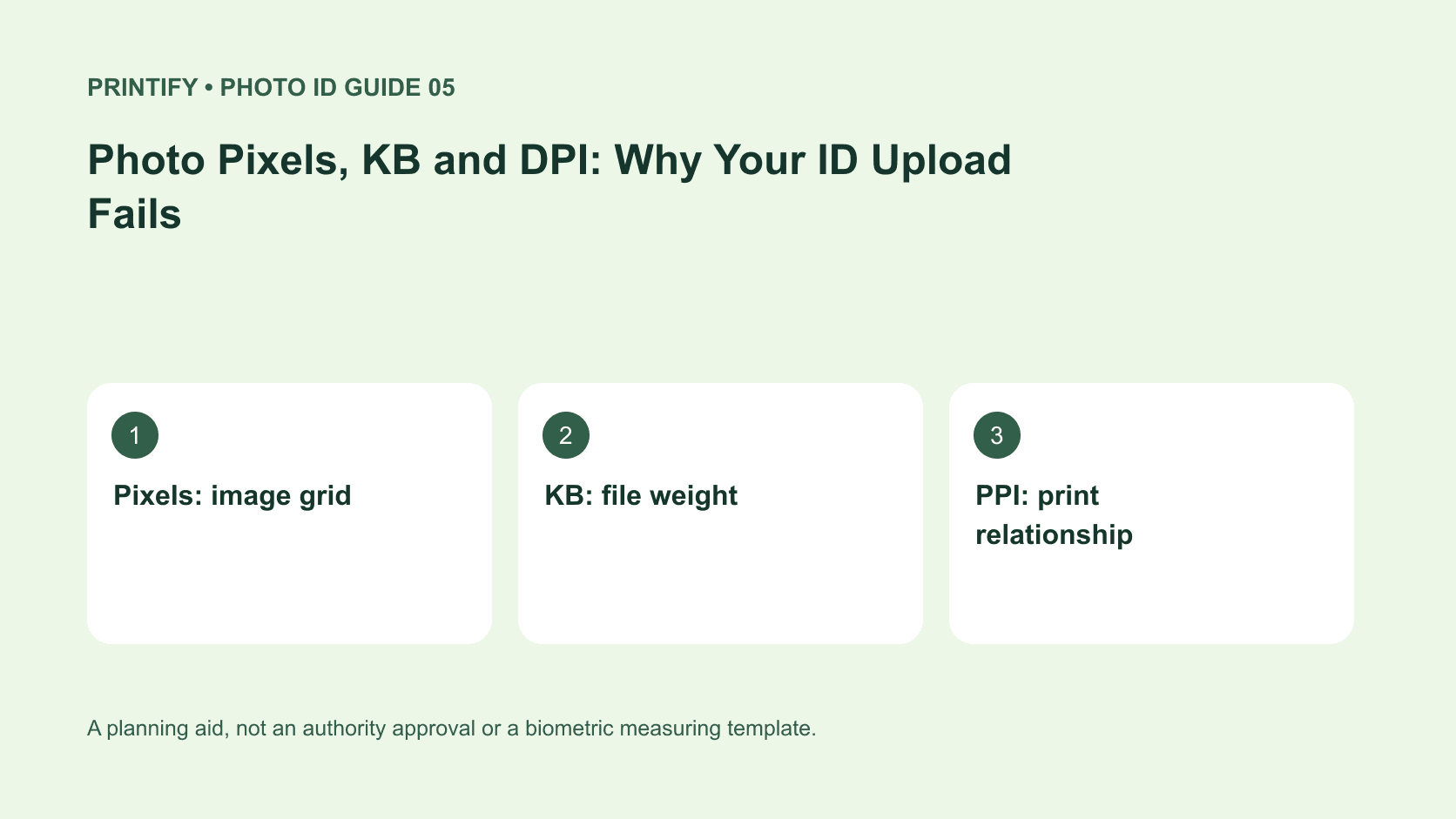
Pixels describe the image grid, KB describes the encoded file size, and DPI or PPI relates that grid to physical output. Changing one does not automatically solve a requirement expressed in another.
Read the units before touching the file
Copy the form’s requirements into three separate lines: dimensions in pixels, maximum or minimum file size, and allowed format. Add print dimensions only if a physical photograph is requested. A number without its unit is not a useful instruction.
For a fictional example, a portal could request a square 800-pixel JPEG under 300 KB. Those numbers are an illustration, not an Emirates ID specification. A file can satisfy the pixel rule and still exceed the encoded-size limit.
Resize without changing the person’s proportions
When a crop is permitted, choose the intended aspect ratio and place it within an adequate original. Export with proportional resizing; do not unlock width and height and stretch the face. If the crop removes necessary headroom or shoulders, the original may not support that deliverable.
Upscaling creates more pixels but does not recover facial detail that the camera never captured. For a blurred or very small original, a retake may be the only useful remedy.
Read the companion guide for this preparation step.
Compress a copy and inspect what changed
JPEG quality affects file weight and visible artefacts. Export once from a good source, examine the face and edges, and check the resulting properties. Repeatedly saving a low-quality copy can compound damage.
Keep a small version log rather than a folder of indistinguishable “final” files. If the target is not reached without obvious degradation, check for unnecessary dimensions or metadata and confirm the instructions. Never assume a successful upload means the compressed image remains suitable.
Use DPI for the right job
A DPI or PPI label by itself does not change pixel count. For planning prints, pixels divided by pixels per inch gives an intended physical size; printers can still scale the job if their fit-to-page setting is active.
For illustration, 600 pixels at 300 pixels per inch spans two inches. That arithmetic explains a relationship, not a recommendation for every document. Measure an actual printed sample and use the relevant authority specification before ordering a batch.
Before you proceed
- - Write down the units and accepted file format.
- - Keep aspect ratio locked when resizing.
- - Inspect compression artefacts around the face.
- - Measure physical output rather than trusting a DPI label.
Frequently asked questions
Can I fix a small image by typing 300 DPI?
No. A resolution label alone does not add genuine image detail.
Why is a JPEG still too large?
Encoded size depends on dimensions, compression and image content. Check the exported file, not just the settings.
Is a square crop always correct?
No. The required aspect ratio depends on the document and route.
Next step
Review available services, deliverables and booking conditions before continuing.
Explore Printify Photo ID