
Document Printing / 2 min read
What Should You Check Before Printing a Dissertation After Final Corrections?
After final corrections, approve a new complete PDF rather than assuming the previously checked dissertation is still valid.
Published / Updated
By Printify editorial. Editorial review: Ibrahim — source and calculation checks.
Short answer
After final corrections, approve a new complete PDF rather than assuming the previously checked dissertation is still valid. Recheck pagination, contents, figures, references, declarations and the university’s current production instructions. Small content changes can move tables and chapter openings throughout a long document.
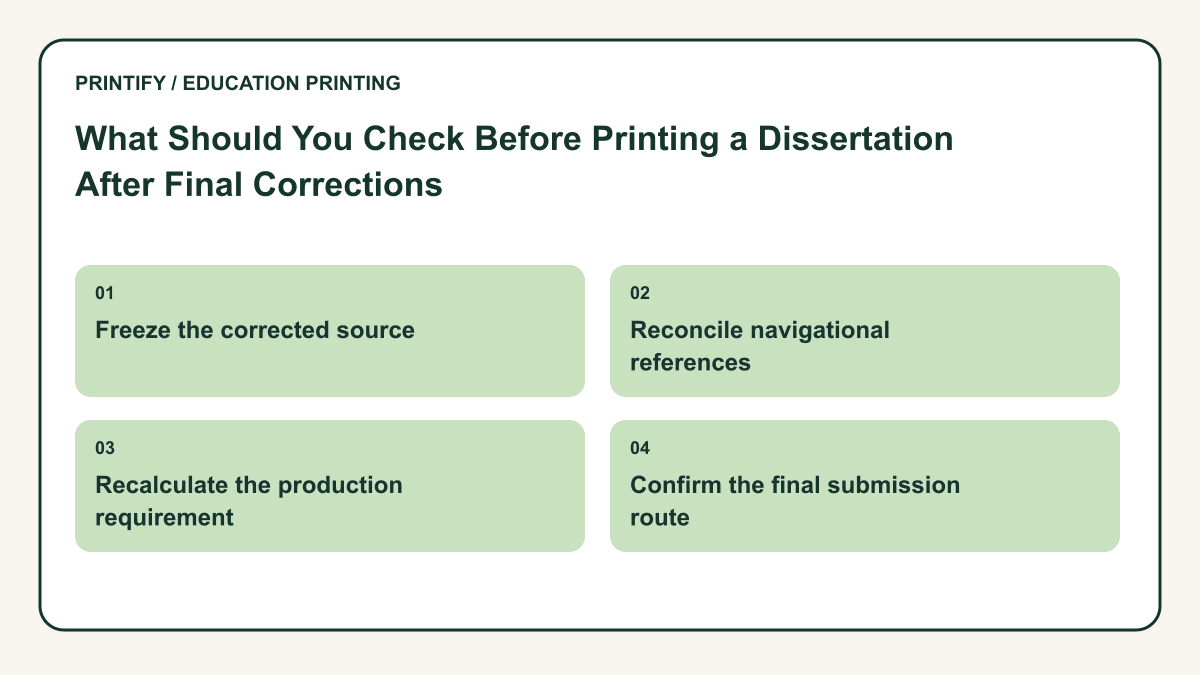
Freeze the corrected source
Record which supervisor or examination corrections have been incorporated and who approves the new version. Keep an untouched earlier copy for reference, but make the production file unmistakable. Avoid a folder of similarly named final drafts with no clear owner.
Do not send a printer an earlier PDF plus a list of academic corrections and assume editorial work is included in document production.
Use this supporting guide for the underlying print setup; the education workflow above defines this article’s specific task.
Recalculate the production requirement
Illustrative example: a dissertation had 176 pages before corrections and gains a five-page appendix. The approved PDF now has 181 pages. Two copies contain 362 printed faces. If continuous duplex is permitted, each copy needs 91 sheets before additional covers or blanks, 182 sheets altogether.
A quote based on the old 176-page version may no longer describe the actual thickness or price. Update the provider with the complete new requirement before confirming production.
Confirm the final submission route
Check whether the institution arranges the archival copy or permits external printing at this stage. Confirm the exact finishing and available delivery, leaving time for receipt and inspection before the university deadline. If a new correction appears after ordering, contact support immediately; do not assume another upload has replaced the approved version in production.
Find related classroom, student and academic planning questions.
Your decision checklist
- - Corrections approved in one source
- - New final PDF exported
- - Contents and references reconciled
- - Pages and copies recalculated
- - Submission route and delivery confirmed
Frequently asked questions
Can I reuse the earlier print quotation unchanged?
Only if the supplier confirms it still matches the corrected file and specification.
Is the university’s approval of the text also a print specification?
Not necessarily. Check the separate requirements for copies, layout, finishing and submission.
Next step
Upload the approved file, compare the current quotation and check available delivery before paying. Specific finishing and handling need confirmation.
Review Printify document options