
Document Printing / 3 min read
How Do You Combine Lecture Slides and Reading Extracts Into One Course Pack?
Build a course pack by choosing a useful slide-handout layout, keeping reading extracts identifiable and combining them in the teaching order.
Published / Updated
By Printify editorial. Editorial review: Ibrahim — source and calculation checks.
Short answer
Build a course pack by choosing a useful slide-handout layout, keeping reading extracts identifiable and combining them in the teaching order. Export and inspect the components before merging. Printify’s document order should receive the finished pack, not an expectation that uploaded slides will be edited into a course resource.
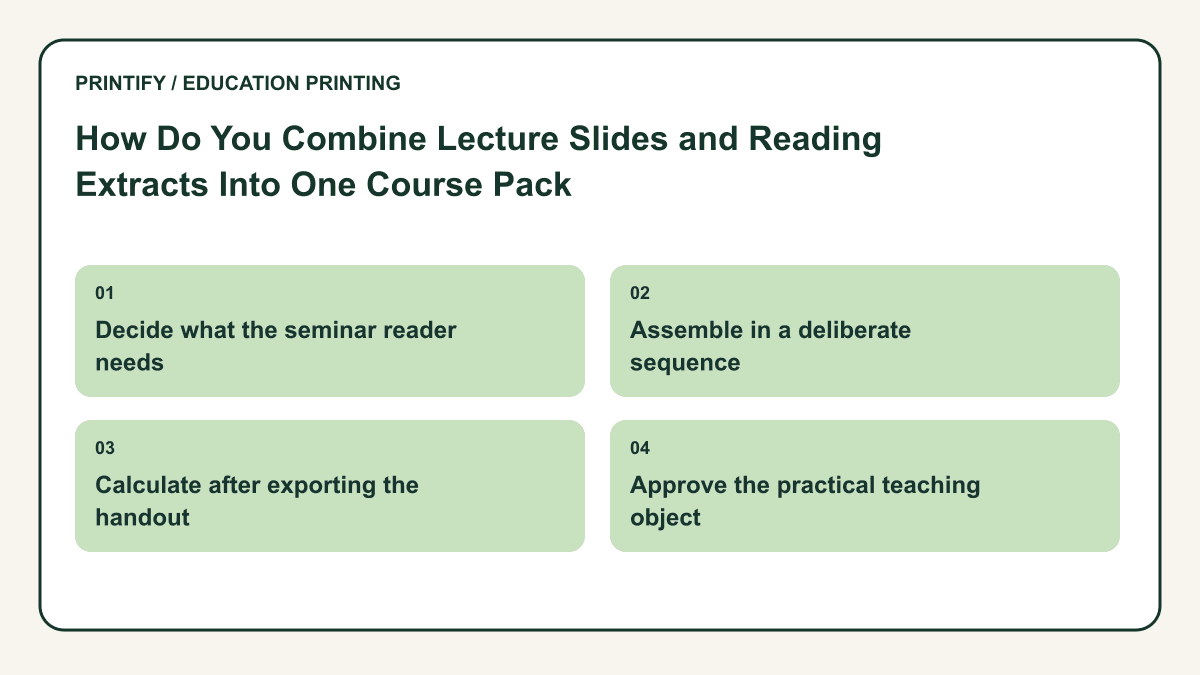
Decide what the seminar reader needs
Lecture slides are visual prompts; a reading extract may carry detailed evidence. Keep those functions distinct. Choose a slide layout that preserves diagrams and, if useful, room for notes. A six-slide page may suit an overview but make equations too small.
Use only material you are authorised to reproduce. Retain paper titles and source details so students can trace the readings later.
Use this supporting guide for the underlying print setup; the education workflow above defines this article’s specific task.
Assemble in a deliberate sequence
A short contents page can identify the lecture, exercise and readings. Keep section breaks clear and avoid changing a source’s original page labels without providing a mapping. A handout page numbered 12 may contain source page 47; those are not interchangeable citation references.
If a reading is landscape and the handout portrait, inspect the actual mixed layout. Do not rotate or shrink a table simply because the surrounding slides use another orientation.
Calculate after exporting the handout
Illustrative example: 18 lecture slides exported at three per page create six handout pages, assuming no added pages. A two-page contents/exercise section and a twelve-page reading make a twenty-page pack. Twenty-five copies contain 500 printed faces and, if suitable for duplex, 250 sheets without extra blanks or covers.
Use the final PDF’s actual page count; slide count alone is not the print quantity. Separate the lecturer’s annotated version if it differs from the student pack.
Approve the practical teaching object
Check writing space, figure legibility, contents references and answer placement before ordering. Confirm any finishing capacity for the actual stock and sheets. Arrange Dubai campus reception and allow for internal distribution before the seminar; an available delivery window is not the same as a promise to reach each student’s desk.
Find related classroom, student and academic planning questions.
Your decision checklist
- - Choose a readable slide layout
- - Preserve reading references
- - Inspect mixed orientations
- - Count final PDF pages
- - Approve student and lecturer editions separately
Frequently asked questions
Should I merge the original slide deck directly?
First export the intended handout layout and check it. One slide per page may not be what the class needs.
Does the pack’s page number replace the source citation?
No. Keep a reliable route back to the original source and pagination.
Next step
Upload the approved file, compare the current quotation and check available delivery before paying. Specific finishing and handling need confirmation.
Review Printify document options