
Document Printing / 2 min read
How Do You Print a Qualtrics Questionnaire for Paper-Based Research?
Use Qualtrics’ survey-printing or export workflow to create a paper version, then check the complete output against the approved instrument.
Published / Updated
By Printify editorial. Editorial review: Ibrahim — source and calculation checks.
Short answer
Use Qualtrics’ survey-printing or export workflow to create a paper version, then check the complete output against the approved instrument. An online questionnaire can contain logic and interactions that do not translate directly to paper. Printing a survey does not approve the study or make its paper administration valid automatically.
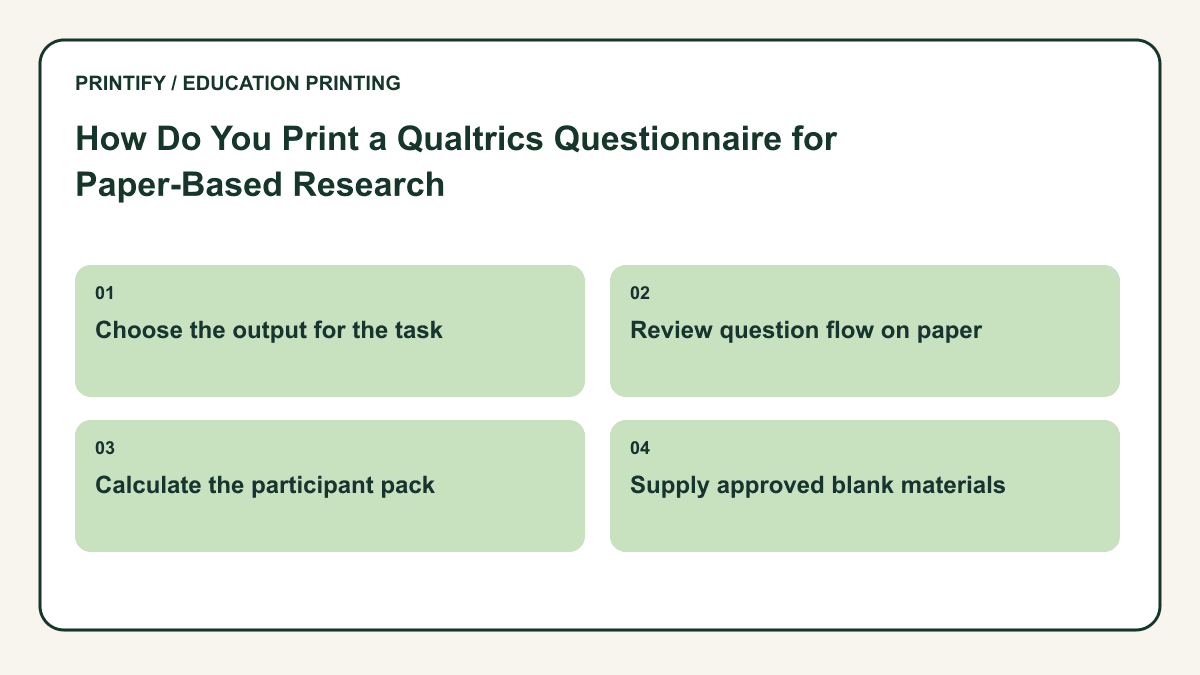
Choose the output for the task
Qualtrics documents a Print Survey option that can produce a physical copy or a PDF, as well as a separate Word export. Use the route suited to the review or administration task and check the current controls in your account.
A QSF file is a survey-transfer format, not a print-ready document. Do not send it to a document printer expecting it to become a questionnaire.
Use this supporting guide for the underlying print setup; the education workflow above defines this article’s specific task.
Review question flow on paper
Inspect question numbers, response choices, written-answer areas and any routing instructions. An online skip path or validation rule may not be apparent on a printed page. Follow the study team’s approved plan for how a paper respondent moves through the questions.
If translations exist, check that the selected output language is the intended one. Keep approved wording and version identifiers intact; do not change a research instrument merely to reduce the page count.
Calculate the participant pack
Illustrative example: forty participants each need a three-page questionnaire and a separate one-page information sheet. That creates 160 printed faces. Separate duplex questionnaires need two sheets each, plus one separate information sheet: 120 sheets in total.
If the study instead approves a combined continuous four-page document, it could use eighty duplex sheets. The approved pack structure, not the smaller paper total, determines the appropriate choice.
Supply approved blank materials
Inspect the final exported PDF and follow your institution’s research and data-handling procedures. This guide concerns blank print materials, not secure storage of completed responses or a data-entry service. For Dubai delivery, confirm the receiving contact and allow time for the research team to check copies before use.
Find related classroom, student and academic planning questions.
Your decision checklist
- - Correct survey version
- - PDF or Word route chosen deliberately
- - Paper routing and answer space reviewed
- - Language and pack structure approved
- - Blank copies counted and checked
Frequently asked questions
Can I print an online survey without checking its logic?
Do not assume online routing remains usable on paper. Review the approved paper workflow.
Does this include research ethics approval?
No. Institutional approvals and study design remain the research team’s responsibility.
Next step
Upload the approved file, compare the current quotation and check available delivery before paying. Specific finishing and handling need confirmation.
Review Printify document options