
Document Printing / 2 min read
How Do You Print Research Appendices With Mixed Portrait and Landscape Pages?
For appendices containing portrait text and landscape tables, preserve each page’s intended orientation and inspect the duplex turning direction.
Published / Updated
By Printify editorial. Editorial review: Ibrahim — source and calculation checks.
Short answer
For appendices containing portrait text and landscape tables, preserve each page’s intended orientation and inspect the duplex turning direction. Rotating every page to match the cover can make tables unreadable. Check the exported PDF and the institution’s layout rules before approving a bound research document.
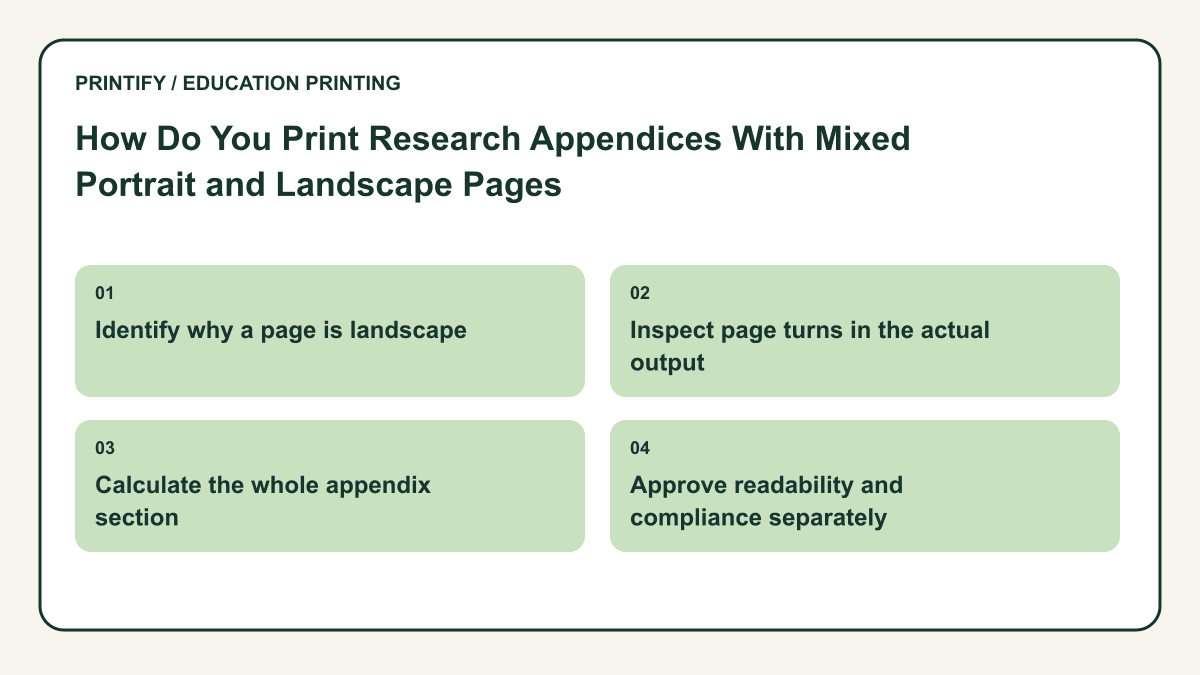
Identify why a page is landscape
A wide data table, questionnaire grid or diagram may need extra width. Check whether a permitted landscape layout is more readable than reducing it to fit portrait. Keep units, headings and captions with the evidence they describe.
In the editable document, use the appropriate page or section layout controls. Changing the entire document’s orientation to fix one appendix can disrupt the main chapters.
Use this supporting guide for the underlying print setup; the education workflow above defines this article’s specific task.
Inspect page turns in the actual output
Open the final PDF and inspect the sequence as a reader. Check page-number position, the inside edge and whether the table is oriented consistently. Duplex turning is a separate production choice from how the PDF viewer automatically rotates a page on screen.
If unsure, make a short proof using representative portrait and landscape pages. Mark the intended top edge and confirm the agreed setup before the full quantity.
Calculate the whole appendix section
Illustrative example: 36 portrait pages and six landscape pages create a 42-page document, not two unrelated print quantities unless you deliberately separate them. Two continuous duplex copies use 84 printed faces and 42 sheets before extra covers or blanks.
If the provider needs separate handling of page groups or the university requires special section starts, confirm the assembled order and recalculate any inserted blanks.
Approve readability and compliance separately
A landscape table can be technically printable yet violate a particular submission instruction. Only the institution can confirm acceptance. Check the actual stock, finish and available Dubai delivery for the approved file. Retain the proofed version so a last-minute table change does not silently replace the layout already checked.
Find related classroom, student and academic planning questions.
Your decision checklist
- - Landscape pages justified by content
- - Section layout checked
- - Inside margins and page numbers inspected
- - Representative duplex proof reviewed
- - Final assembly order confirmed
Frequently asked questions
Does auto-rotate on screen establish the print orientation?
No. Inspect the output settings and a representative proof.
Should wide tables always be reduced to portrait?
Not automatically. Use a readable layout permitted by the institution.
Next step
Upload the approved file, compare the current quotation and check available delivery before paying. Specific finishing and handling need confirmation.
Review Printify document options