
Document Printing / 2 min read
Why Do Questions or Images Disappear When a Survey Is Exported for Printing?
If a survey print export is missing material, compare the selected export route with the approved online instrument before ordering.
Published / Updated
By Printify editorial. Editorial review: Ibrahim — source and calculation checks.
Short answer
If a survey print export is missing material, compare the selected export route with the approved online instrument before ordering. Different exports may omit images, stylistic formatting or interactive behaviour. A file that opens successfully is not proof that every research question and stimulus is present.
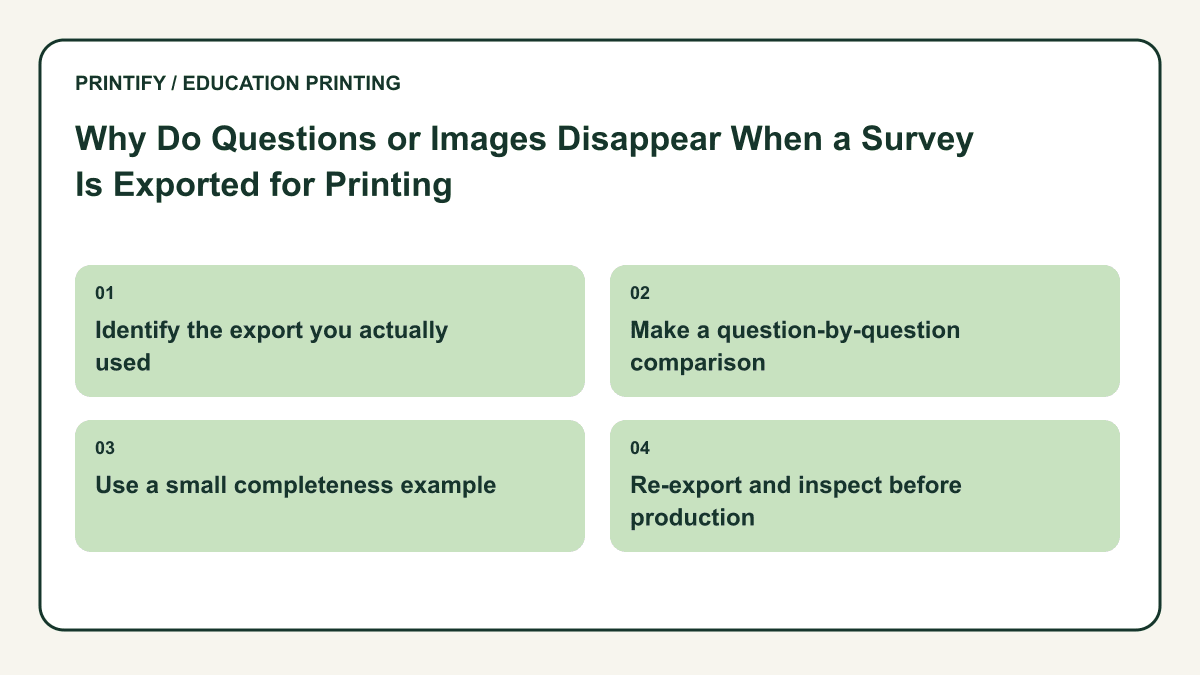
Identify the export you actually used
Record whether you selected a print/PDF view, Word export or another report. Qualtrics’ documentation distinguishes these outputs and describes limitations of Word export, including image handling. A response report is also not necessarily the blank questionnaire intended for participants.
Use a copy for diagnosis and keep the approved survey version unchanged while checking what the output contains.
Use this supporting guide for the underlying print setup; the education workflow above defines this article’s specific task.
Make a question-by-question comparison
Create a list of expected question identifiers, images, choice labels and required instructions. Compare each with the exported file. Inspect image captions and the space reserved for a missing figure; a blank area can be easy to overlook if the question text is still present.
Check any language selection or display logic that determines which questions appear. An export may represent more than one possible online path, not the exact sequence a paper respondent should follow.
Use a small completeness example
Illustrative check: an approved instrument has twelve questions and three image prompts. The export contains twelve question numbers but only two images. It is incomplete even though the question count matches. Record which stimulus is missing and resolve the authorised output with the study team.
Do not paste a different image from an earlier draft or silently remove the dependent question just to make the PDF look finished.
Re-export and inspect before production
After resolving the source or export route, reopen the final PDF and repeat the checklist. Confirm page count, answer space and any paper routing instructions. Print only the approved blank materials through the selected service. A rushed Dubai delivery cannot repair an incomplete research instrument once every participant has received the wrong page.
Find related classroom, student and academic planning questions.
Your decision checklist
- - Record the actual export route
- - List expected questions and stimuli
- - Compare images as well as question counts
- - Preserve the approved instrument
- - Recheck the final PDF before copying
Frequently asked questions
Does a complete question count prove the survey is complete?
No. Images, instructions and response labels can still be missing.
Should I edit the approved survey to fit the export?
Not without the research team’s required approval. Resolve the output process instead of silently changing the study.
Next step
Upload the approved file, compare the current quotation and check available delivery before paying. Specific finishing and handling need confirmation.
Review Printify document options