
Photo ID / 3 min read
Dubai and UAE Visa Photos: Find the Requirements for Your Route
A route-first guide to Dubai and UAE visa photographs, including personal portraits, attachment fields and submission checks.
Published / Updated
By Printify editorial. Editorial source check: 22 October 2026. Educational guidance, not authority approval. Operational review: Editorial source check.
Short answer
“Dubai visa photo” is not a complete specification. Identify the authority, visa service and submission channel, then prepare the personal photograph for that route rather than applying a universal size found online.
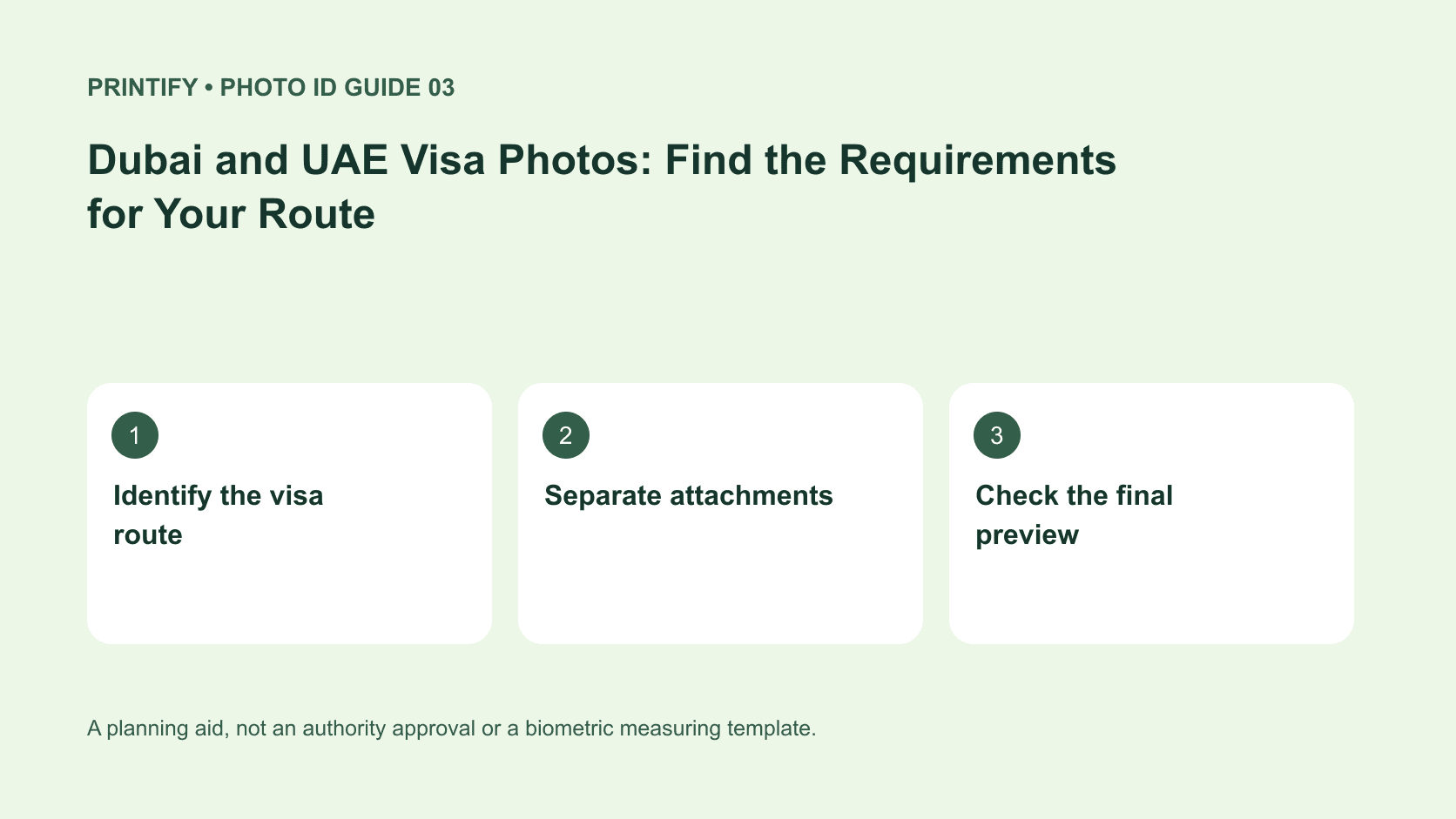
Identify who is processing the application
Write down the visa category and the actual channel handling it: an official service, sponsor, authorised agent or another provider. Dubai and the wider UAE appear together in search results, but that does not make every service’s attachment instructions interchangeable.
Ask the person submitting the application for the official service name and the current personal-photo instructions. If they provide a sample, confirm whether it illustrates appearance, physical size or digital properties. These are different pieces of information.
Separate the portrait from supporting documents
Visa forms can request both a photograph of the applicant and a passport copy. Prepare these as separate assets unless the selected form explicitly directs otherwise. A scan of the passport’s portrait area is not a substitute for a newly requested personal photograph.
Use a private folder with distinct labels for each document type. Before upload, open the file rather than trusting its name. A correctly named file can still contain the wrong applicant or an old export.
Read the companion guide for this preparation step.
Give a photographer an actionable brief
A useful brief states the visa route, required deliverable and any instructions shown in the form. “Passport photos, please” leaves the photographer to guess the crop and whether you need prints, a digital file or both.
For a family application, send separate specifications for each person if routes differ. Ask for the original photograph as well as the prepared copy, and agree how files will be transferred. Keep identity-document scans out of a group booking chat.
Treat the application preview as a final checkpoint
After export, verify file properties and inspect the preview for distortion or accidental rotation. Do not stretch a rectangular portrait into a square to satisfy a box. A different crop may be possible from a sufficiently wide original; otherwise arrange another capture.
GDRFA’s tourist-visa service is a useful official starting point for that specific Dubai service, not proof that every residence, employment or other visa uses identical instructions. Follow the selected route when details differ.
Before you proceed
- - Record the visa service and submission channel.
- - Distinguish personal-photo and passport-copy attachments.
- - Give the photographer the actual requirements.
- - Inspect the final preview for the correct person and crop.
Frequently asked questions
Is 35 × 45 mm always the UAE visa requirement?
Do not use a print dimension as a universal rule for every visa and digital route. Check the selected application.
Can my sponsor give me the requirements?
Yes. Ask for the service name and current instructions so the requested deliverable is unambiguous.
Do I need a passport scan as well?
Some routes request supporting documents separately. Follow the checklist for your own application.
Next step
Review available services, deliverables and booking conditions before continuing.
Explore Printify Photo ID