
Photo ID / 3 min read
Oman eVisa Photo Uploads from the UAE: Files, Limits and Error Checks
Prepare Oman eVisa attachments with the correct document type, a clear portrait and a controlled troubleshooting process.
Published / Updated
By Printify editorial. Editorial source check: 22 October 2026. Educational guidance, not authority approval. Operational review: Editorial source check.
Short answer
Use the Royal Oman Police eVisa application and the attachment instructions for your selected visa. Prepare the personal photograph separately from the passport copy, then check file compatibility, size and the actual preview before proceeding.
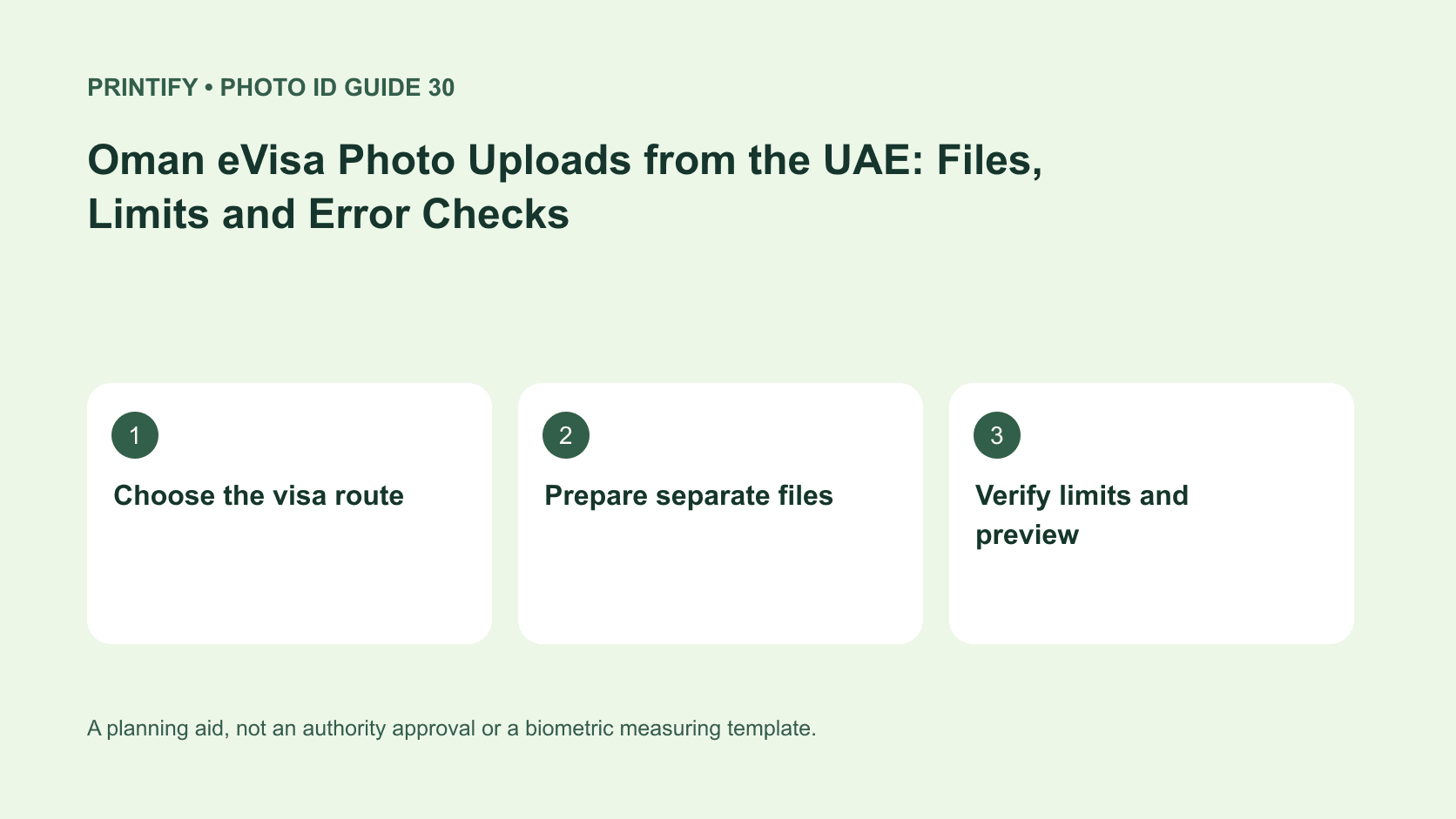
Choose the route before using an export preset
Confirm the visa type and eligibility through the official Oman eVisa service. Living in the UAE does not by itself establish that every applicant should use the same visa category or supporting-document list.
Identify the personal-photo field within your application and read its current instructions. This guide covers photograph preparation, not visa eligibility, approval timing or the documents required for every nationality and residency situation.
Apply attachment guidance carefully
ROP’s published attachment guidance lists PDF, JPEG and PNG support and a 512 KB per-attachment limit. Those general attachment instructions should be read alongside the selected personal-photo field; they are not permission to ignore a more specific format requested there.
Keep a detailed original and create a compliant working copy. If a portrait file is too large, check its dimensions and export settings before compressing aggressively. Do not convert every attachment into one combined PDF unless the actual application asks for that arrangement.
Read the companion guide for this preparation step.
Keep portraits and passport copies distinct
Open each file before uploading and confirm its content. A personal-photo slot should not receive a passport page merely because that page contains a portrait. Likewise, a correctly named portrait cannot replace a supporting document requested elsewhere.
Use simple filenames and keep a private folder per applicant. Avoid filenames that expose unnecessary identity numbers or a shared folder containing the whole family’s documents. Check the final preview for the right person, orientation and intended attachment.
Diagnose upload problems without degrading the image
Save the exact error text and identify whether it concerns format, file weight or another condition. A file renamed from HEIC to JPG is still not a converted JPEG. A smaller file may still fail if the attachment type or application field is wrong.
If the stated requirements are met but the process still fails, use the official support channel with the minimum necessary information. Do not repeatedly reduce an image until it is unreadable, and do not treat successful transfer as a guarantee of final acceptance or visa approval.
Before you proceed
- - Confirm the official visa route and personal-photo field.
- - Read specific field rules alongside general attachment guidance.
- - Check each attachment’s actual contents before upload.
- - Record errors and adjust one relevant property at a time.
Frequently asked questions
Is 512 KB a print measurement?
No. It is a published per-attachment file-size limit, subject to the selected form’s instructions.
Can I combine my portrait and passport page?
Only if the actual application explicitly requests that arrangement. Otherwise keep requested attachments distinct.
Why does a renamed JPEG still fail?
Changing the suffix does not convert the image format. Export a genuine supported file and inspect it.
Next step
Review available services, deliverables and booking conditions before continuing.
Explore Printify Photo ID