
Photo ID / 3 min read
Qatar Hayya Photos for UAE Residents: Portraits, Passport Copies and Uploads
Organise a Qatar Hayya photo submission without confusing residency categories, personal portraits and passport-copy attachments.
Published / Updated
By Printify editorial. Editorial source check: 22 October 2026. Educational guidance, not authority approval. Operational review: Editorial source check.
Short answer
Identify your Qatar entry route and use the current Hayya application’s personal-photo instructions. Keep the portrait separate from the passport-copy attachment, and do not borrow limits from a media-accreditation or old event portal.
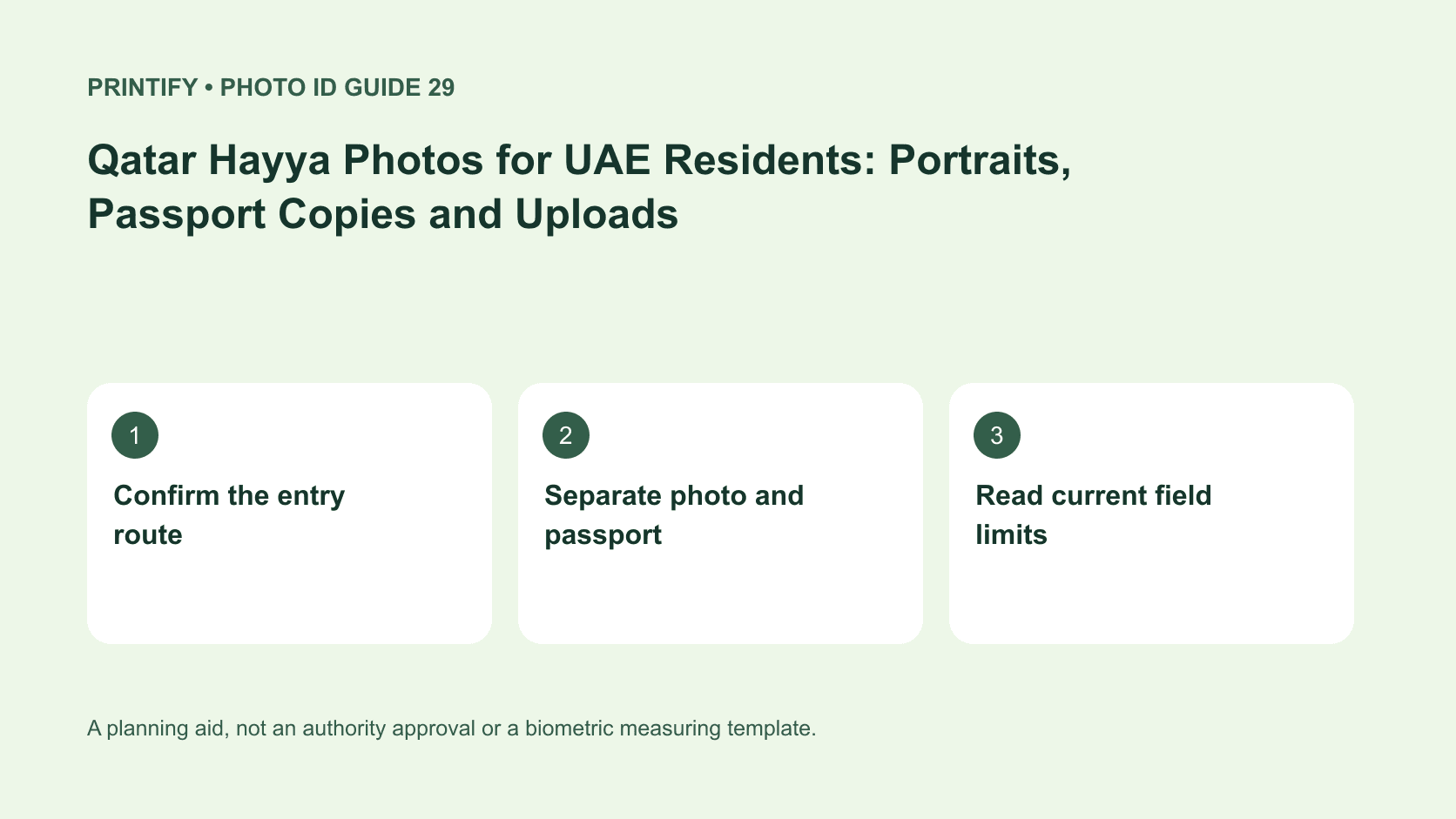
Confirm the route before collecting files
Visit Qatar and Hayya provide entry and application information, but different applicants and categories can follow different processes. A UAE resident is not necessarily a GCC citizen; do not treat those descriptions as equivalent when deciding which route applies.
This guide does not establish eligibility or the documents required for every visitor. Confirm the route using the official information and your actual application before commissioning a specialised file export or paying an intermediary.
Distinguish the personal portrait from the passport image
Prepare the current personal photograph and any separately requested passport-copy file as distinct assets. Check the label above each upload control. A passport page containing a small printed portrait is not automatically the personal photo requested by the form.
Use clear private filenames and open each attachment before selection. A common administrative mistake is to choose the right person’s file but the wrong document type, particularly when several family members’ attachments are stored together.
Read the companion guide for this preparation step.
Read limits in the selected application
Check the file format, dimensions and size limits shown in the actual personal-photo field or its linked guidance. This article deliberately does not assign a universal Hayya pixel or KB specification: event and media portals can have their own requirements.
Export from a sufficiently detailed original without stretching the image. If the portal offers a crop or preview, inspect the resulting framing. Do not replace a legitimate current instruction with an older social-media screenshot or an unrelated conference manual.
Troubleshoot the specific stage of failure
Record whether the problem happens during selection, transfer or review. Verify the file type and size for technical errors; review capture and framing for appearance errors. If the message is unclear, use the official support route rather than repeatedly editing facial features.
Keep account credentials and travel-document copies out of public chats. After handover to an authorised helper, confirm which photograph was actually selected. An “image OK” message is a stage in the application, not proof of entry permission or final document acceptance.
Before you proceed
- - Confirm the entry route and residency category.
- - Prepare personal-photo and passport-copy files separately.
- - Read limits from the selected application, not another portal.
- - Inspect the preview and retain a private error record.
Frequently asked questions
Are UAE residents the same as GCC citizens for entry rules?
No. Check the category applicable to the actual traveller.
Can I use media-portal photo limits for a visitor application?
Do not assume so. Use the visitor application’s current field instructions.
Does a photo check confirm my visa is granted?
No. A photo-stage message is separate from the application outcome.
Next step
Review available services, deliverables and booking conditions before continuing.
Explore Printify Photo ID