
Photo ID / 3 min read
Saudi Visa Photos for UAE Residents: Check the Visa Route Before Export
Prepare a Saudi tourist eVisa photo from the UAE without transferring its specifications to unrelated visa categories.
Published / Updated
By Printify editorial. Editorial source check: 22 October 2026. Educational guidance, not authority approval. Operational review: Editorial source check.
Short answer
For a Saudi tourist eVisa, use the official tourist portal’s photograph instructions. Do not assume that employment, family, pilgrimage or another visa route uses identical attachment requirements, or that UAE residence alone establishes eligibility.
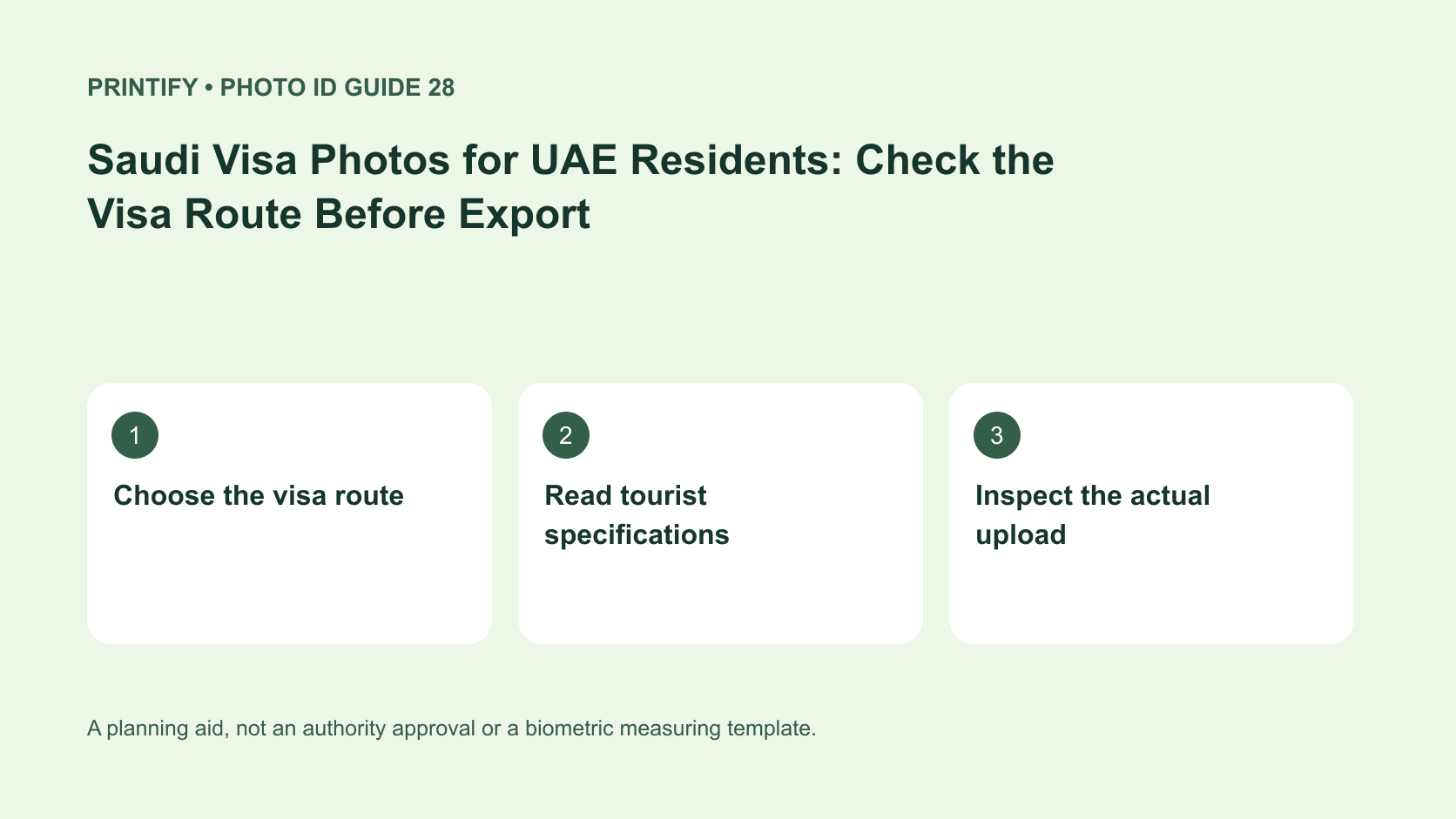
Identify the visa and official application channel
Start with the route you will actually use and confirm eligibility through its official instructions. This guide is about photograph preparation, not a determination that a particular UAE resident can obtain a particular visa.
Check the domain before uploading a portrait or passport copy. Search results include intermediaries and services for different categories. A page labelled “Saudi visa” may describe a route other than the one in your application.
Use the tourist eVisa specifications only in context
The official tourist eVisa photo page states an image width and height of 200 × 200 and a file-size range of 5–100 KB. It also describes a white background and a recent likeness. Recheck the live page and actual form before exporting because requirements can change.
Do not turn that small digital grid into a specification for a physical passport-photo pack. Keep a detailed original and derive a separate square export without stretching the face. A tiny preview is not a substitute for inspecting the original quality.
Read the companion guide for this preparation step.
Handle unclear guidance without inventing measurements
Some descriptive wording on general photograph pages can be difficult to interpret. If framing instructions conflict or the form requests a different output, ask the official channel to clarify rather than combining pieces from unrelated diagrams.
Prepare a straightforward, faithful portrait and avoid beauty filters or generated detail. If the background or lighting is unsuitable, improve the capture. Do not assume an editing tool’s Saudi preset has been checked against the current tourist application.
Check the attachment and preserve a clean record
Select the intended personal photograph rather than a passport scan, inspect the form preview and keep a private record of the submitted filename. If an error appears, compare the file’s actual dimensions, format and weight before trying another version.
Keep the original for legitimate corrections, but avoid creating a public folder of travel documents. For a family application, check each person’s route and portrait independently. Technical upload success still does not decide the visa application or final photo acceptance.
Before you proceed
- - Confirm the Saudi visa category and official channel.
- - Apply tourist specifications only to the relevant tourist route.
- - Create a proportional export from a detailed original.
- - Check the actual form and resolve conflicting instructions officially.
Frequently asked questions
Do tourist eVisa photo numbers apply to a work visa?
Do not assume so. Use the instructions for the work-visa route.
Does UAE residence guarantee tourist eVisa eligibility?
No. Check the official eligibility rules for the actual applicant and route.
Can I stretch a portrait into a square?
No. Use an appropriate permitted crop or arrange another capture.
Next step
Review available services, deliverables and booking conditions before continuing.
Explore Printify Photo ID